
Building the UI for a SaaS E-Learning Platform
Ubiter

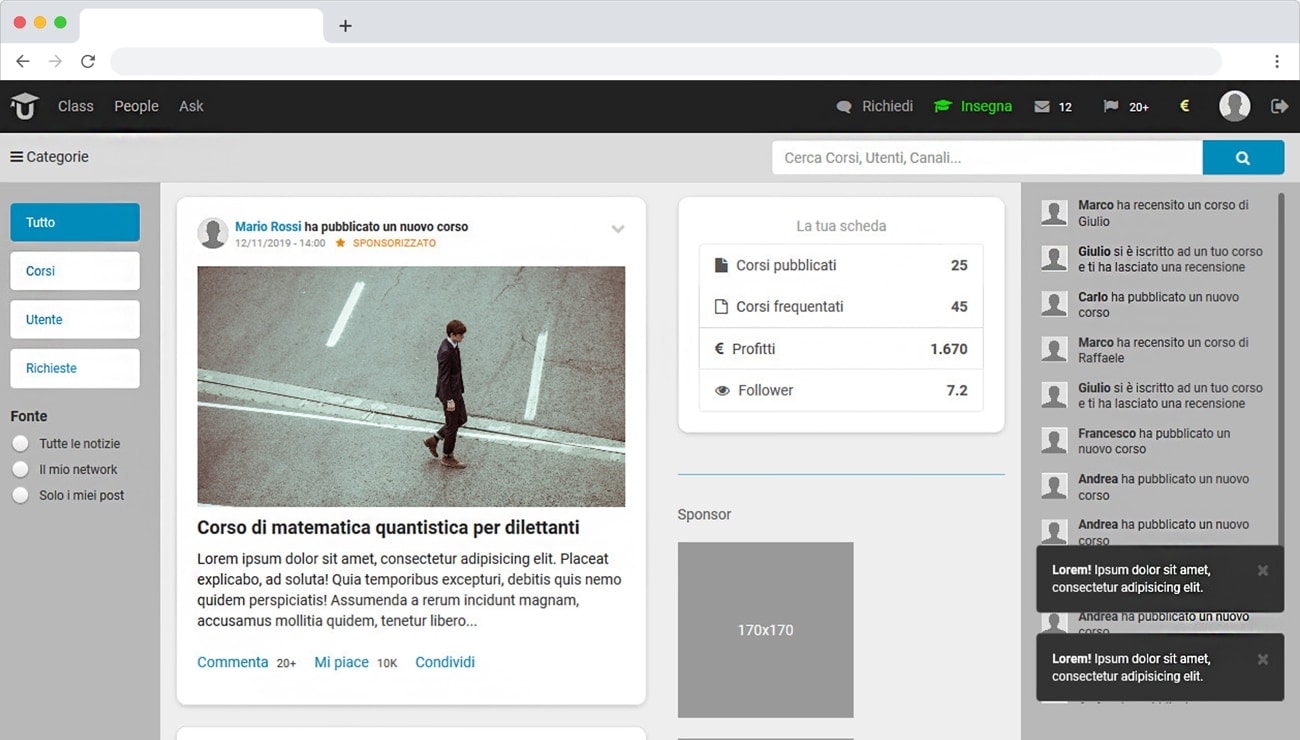
As UI/UX Developer at Ubiter, I designed and built the mobile-first interface for a SaaS e-learning platform in a five-person team. It took reusable components, interactive layouts, and production-ready HTML, CSS, and JavaScript prototypes.
The Challenge
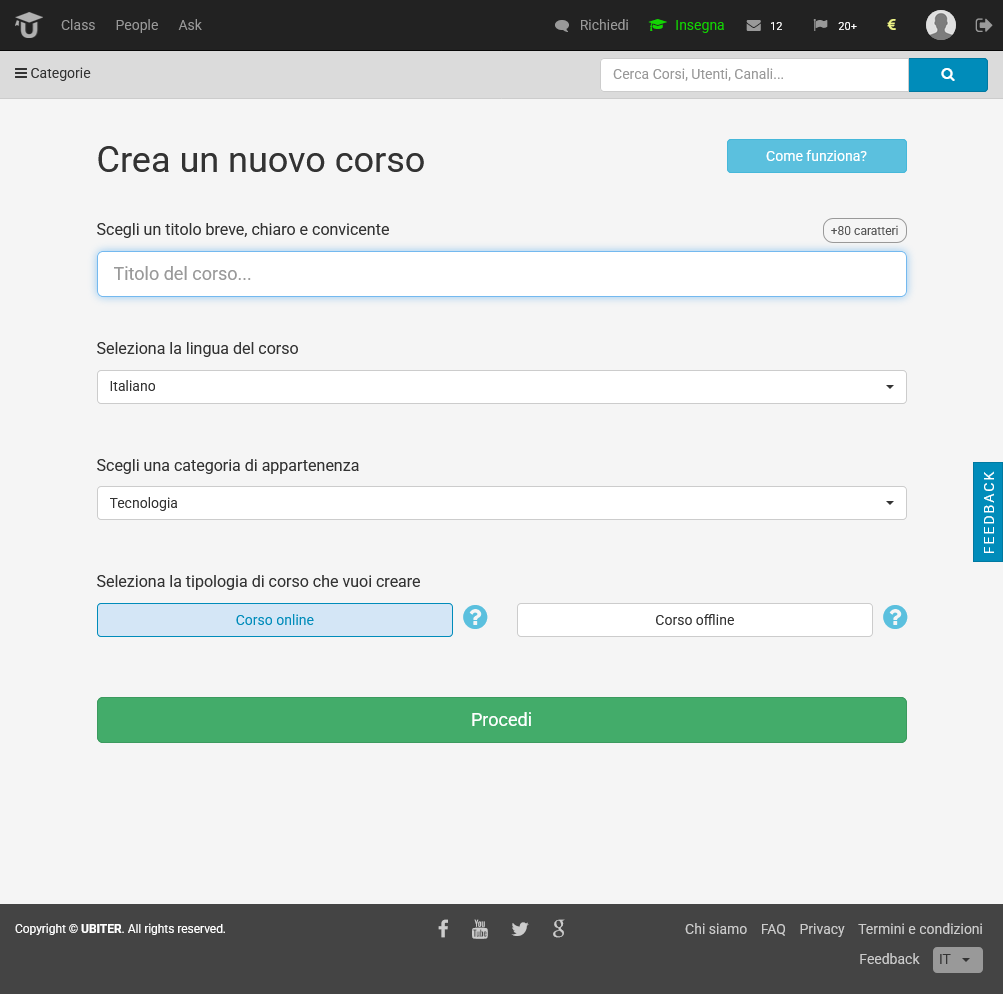
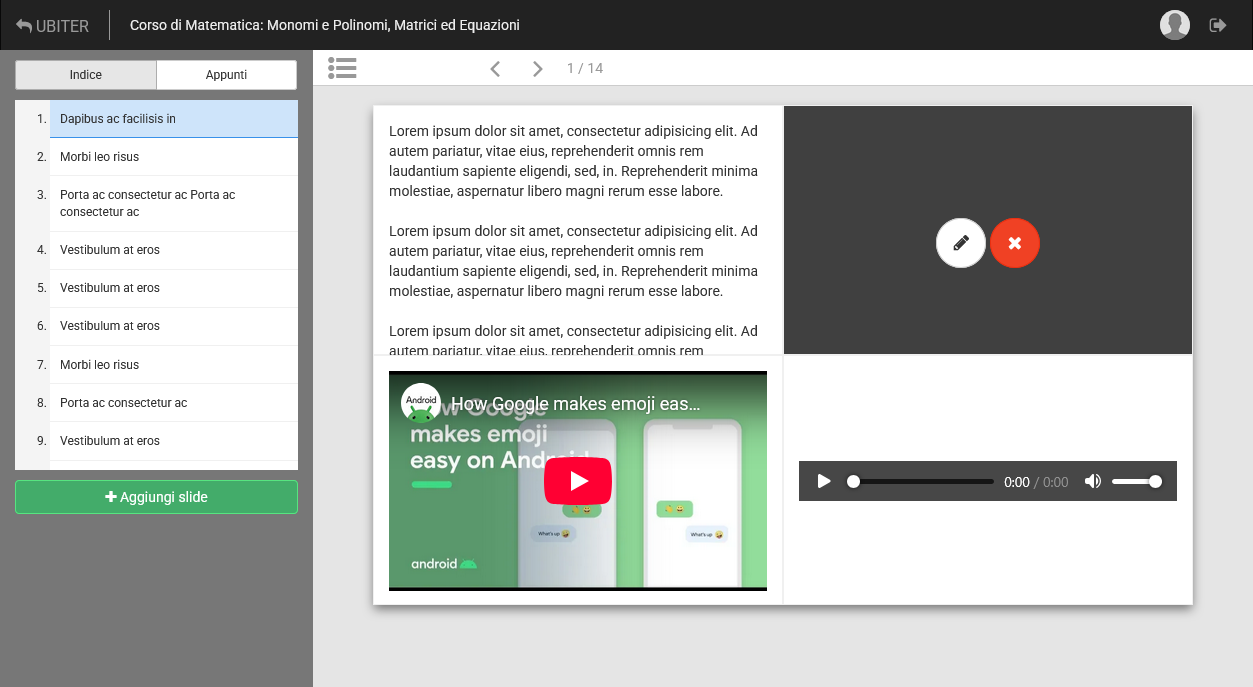
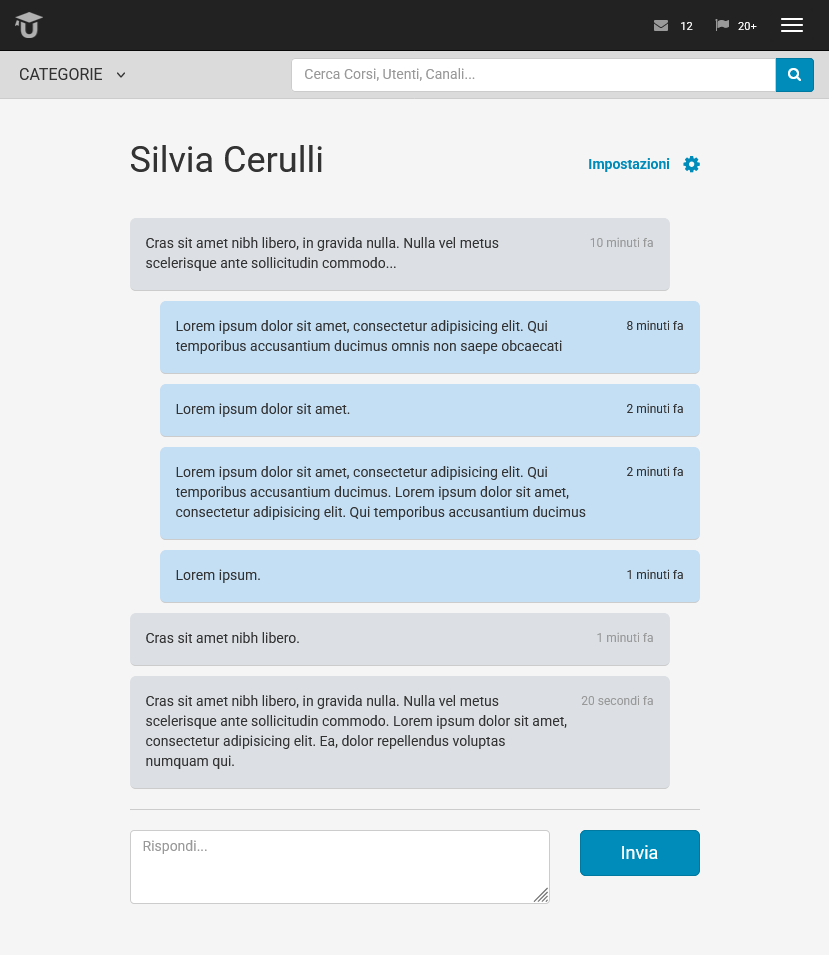
Ubiter needed course creation, editing, and messaging UI that stayed consistent on modern mobile browsers and older Android phones. The team prioritised code-first iteration over long wireframe cycles, using Bootstrap for structure, HTML5 Boilerplate as the base, and lightweight JavaScript plugins for interactive features.
My Role
My scope was the four core flows: dashboards, courses, editing, and messaging. I carried each one from first layout through to backend handover, and introduced the Bootstrap workflow the team built on.
What I Did
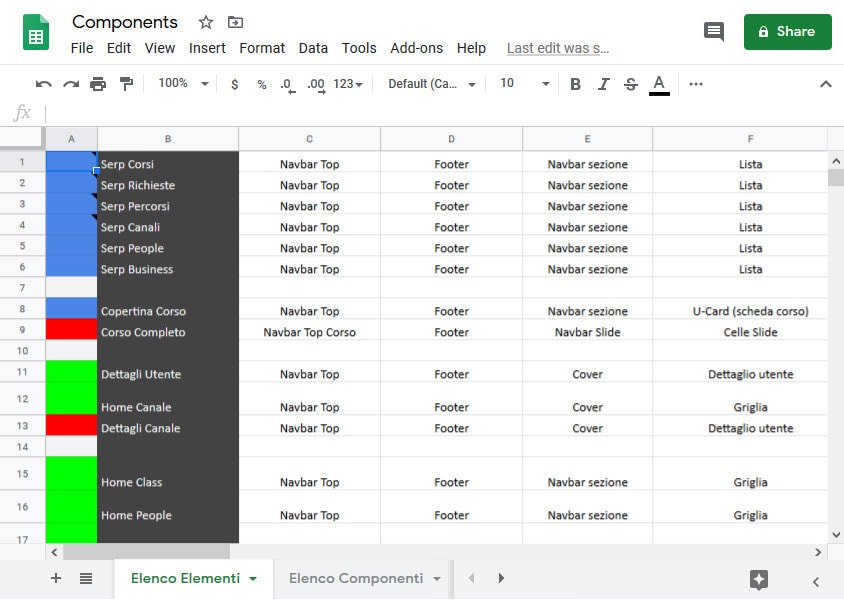
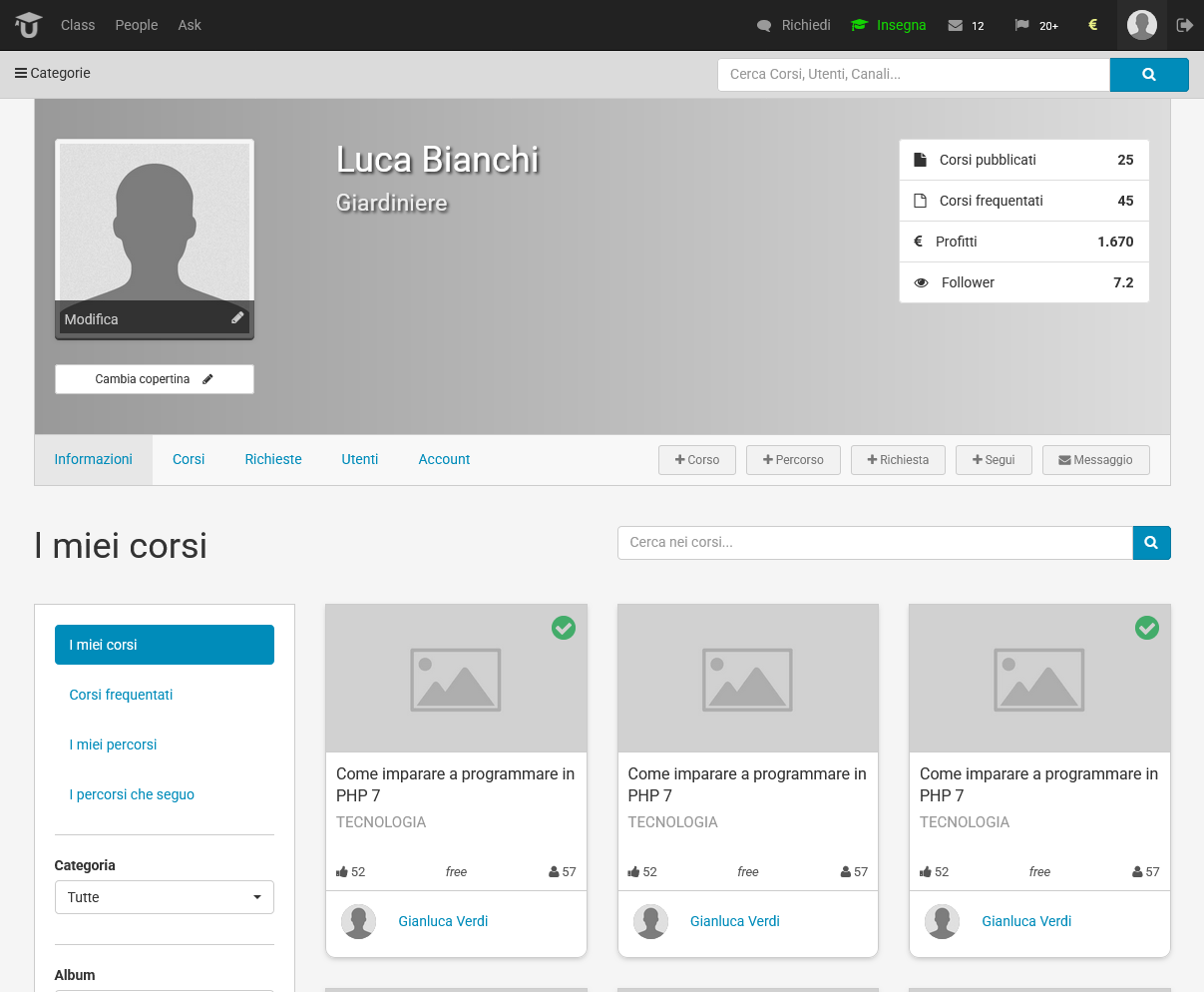
- Built the reusable components and interactive layouts behind each flow.
- Iterated screens directly in code and tested live on mobile with Chrome and Safari Mobile.
- Refined layouts in the browser until they were accessible and ready for backend integration.
- Automated builds and asset optimisation with Gulp.js ↗.
- Debugged on real devices and via BrowserStack ↗.
- Used JS Bin ↗ and CodePen ↗ for quick in-browser prototypes.
Results
- In-browser iteration cut design-to-dev time by around 35%.
- The four core flows shipped as production-ready markup, handed over for backend integration.
- The UI stayed usable on modern mobile browsers and older Android phones.
- The platform was later acquired by Udemy.
What I Learned
Frontend-driven design let a small team validate course flows quickly without waiting on static mockups. Building in Bootstrap and refining on real devices kept the UI flexible and maintainable as features grew.